Community
Gallery
The community's best screenshots, taken in game with Athena's photo mode: landscapes, builds, evenings with friends.
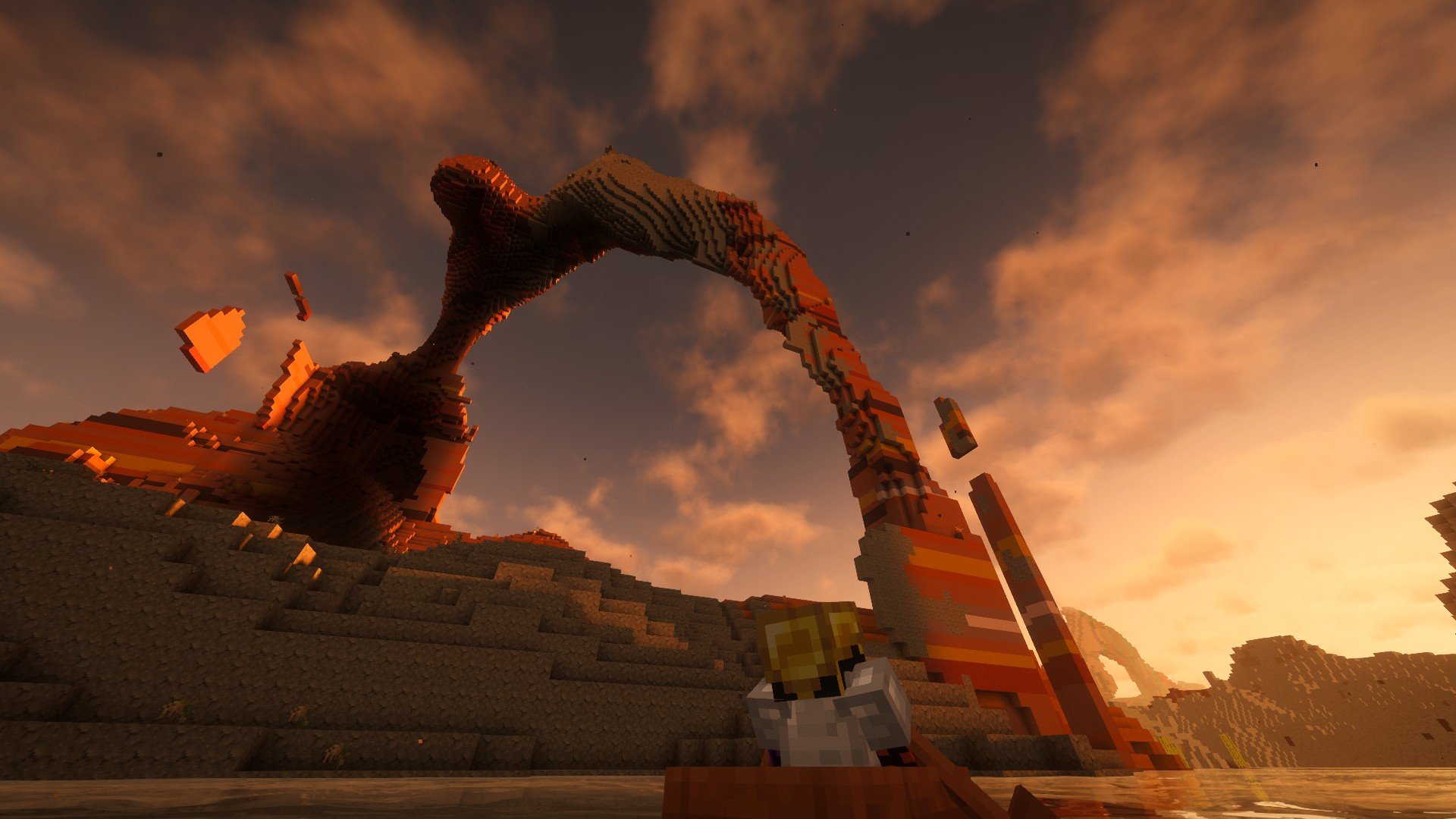
by BATSAVE_ ·
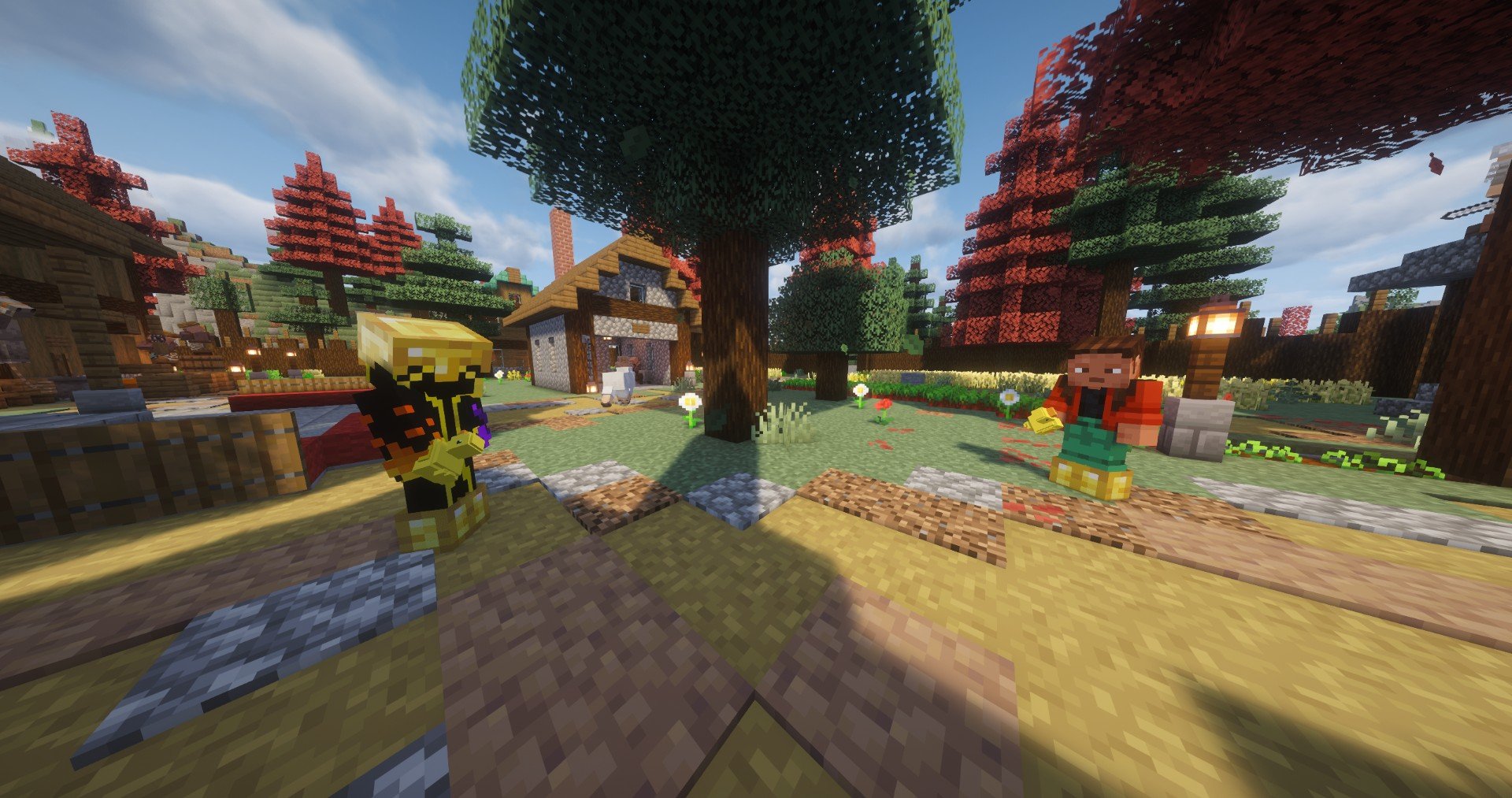
by TsykaLaVraie ·
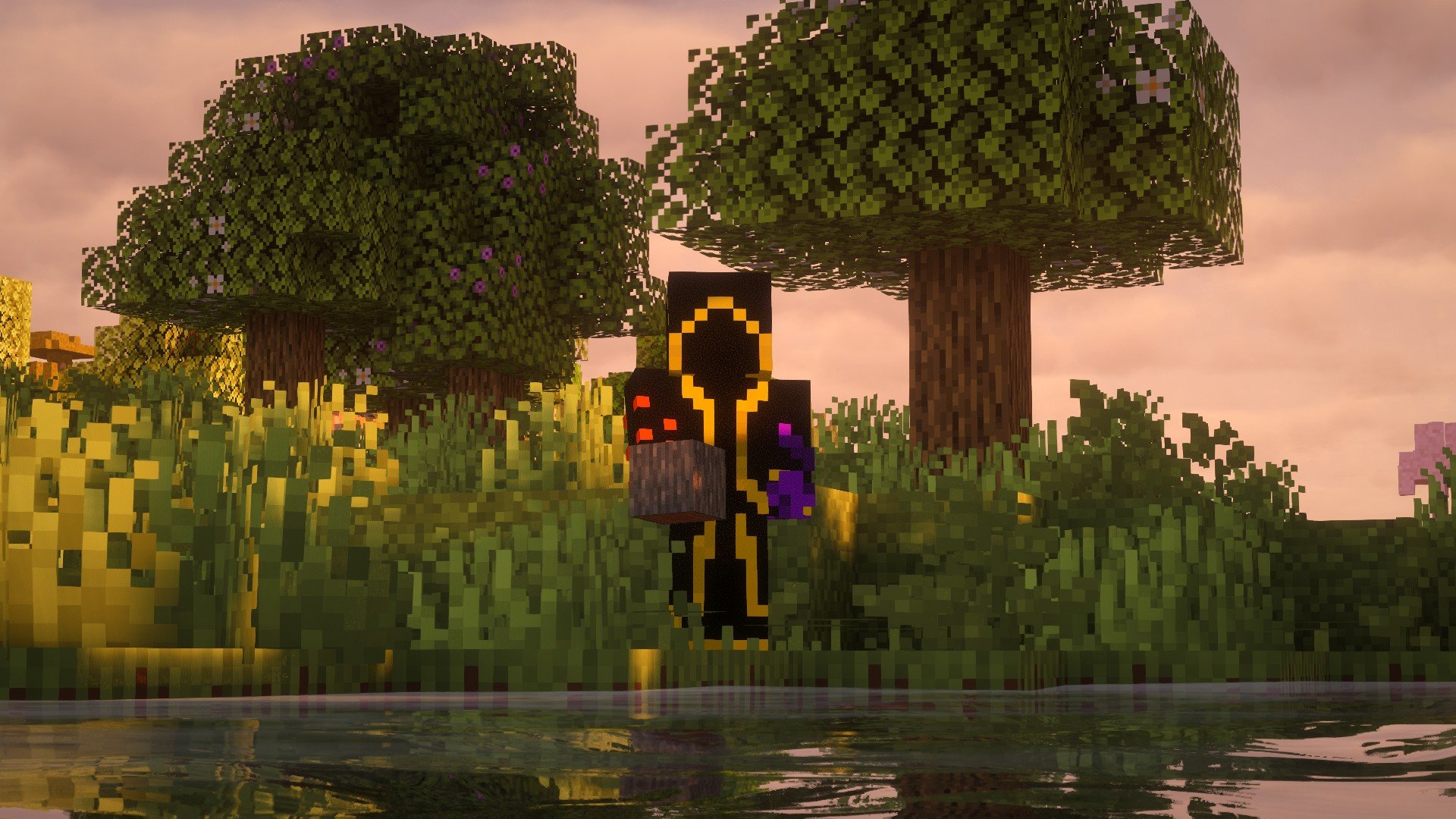
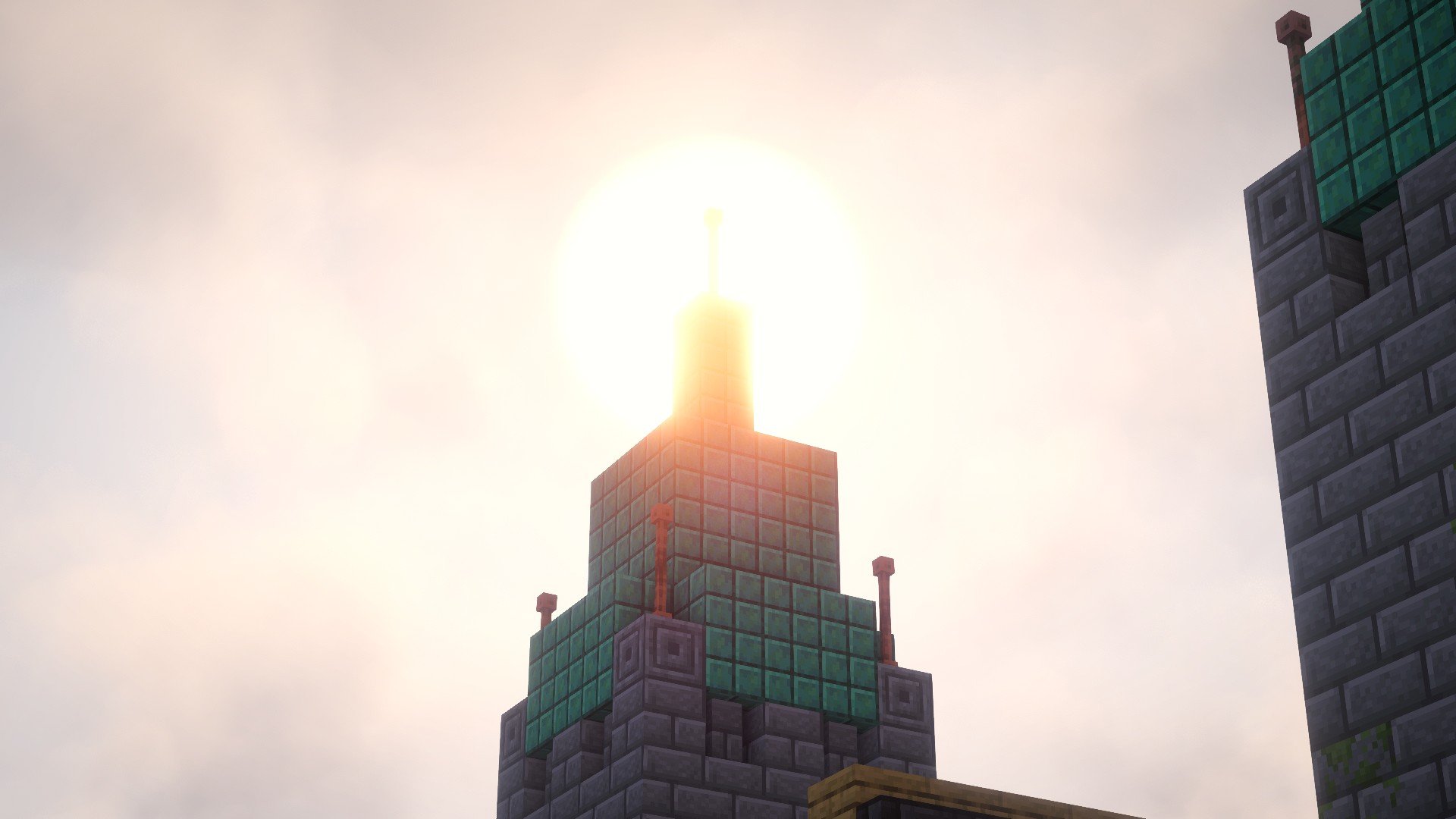
Photo mode
Publish yours
It all happens in game, without leaving your session.
- F2
Open photo mode
Frame your scene, a grid helps you compose it.
- Alt
Set up the shot
Drone camera, time of day, weather, field of view: it only applies to your photo.
- F2
Shoot and edit
Filters, exposure, contrast, and a caption to go with the picture.
- ↗
Share it
Post it to the Feed: seven days later, it joins this gallery.